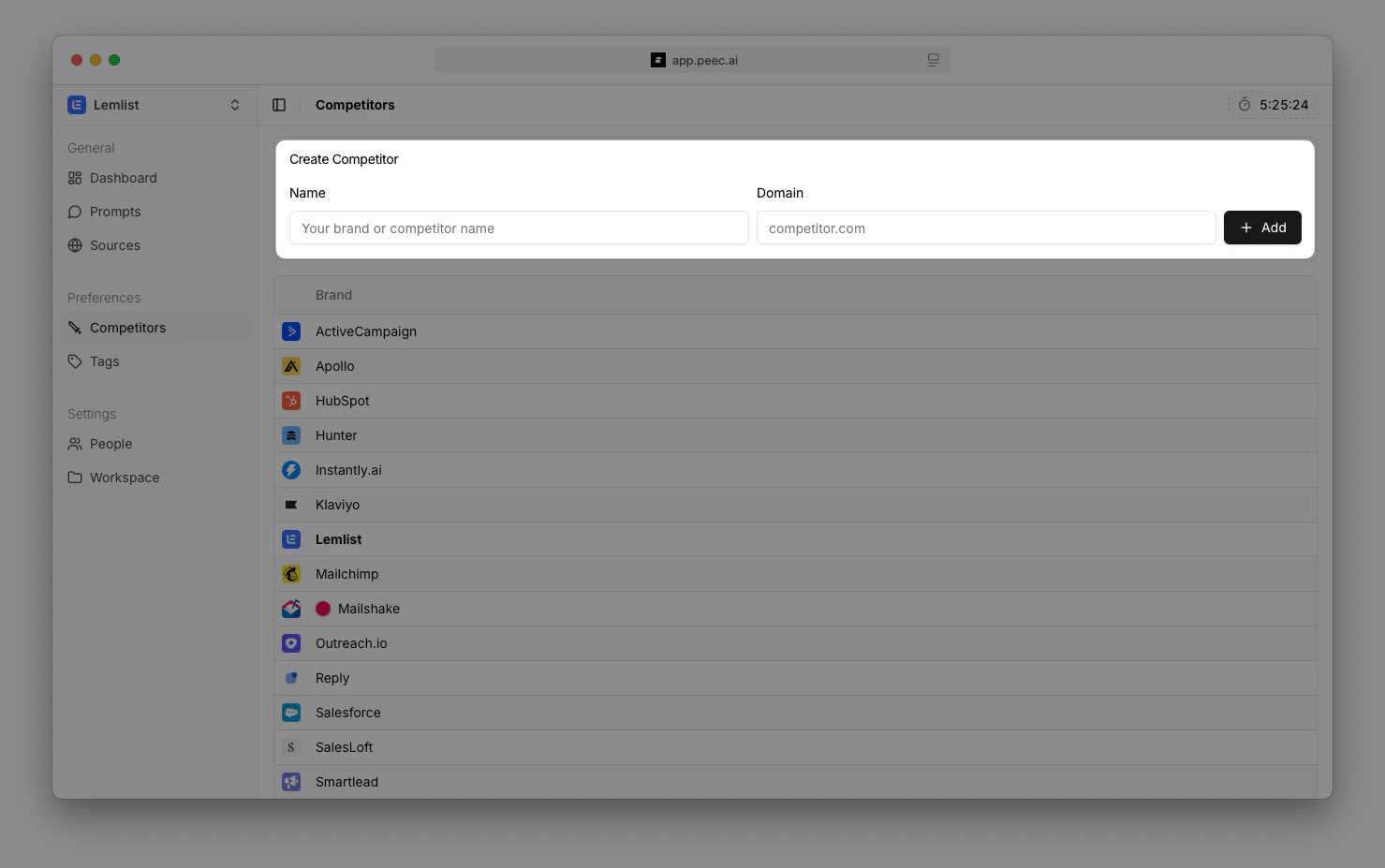
Two ways to add tracked brands
Navigate to Brands in your sidebar. From here, you can:1. Use suggested brands
Peec AI automatically flags companies that appear often in your prompt responses. You can:- Accept: Click the checkmark to add them as a tracked brand.
- Reject: Click the X to remove them.
- Edit: Click the pencil icon to edit name or domain before adding.
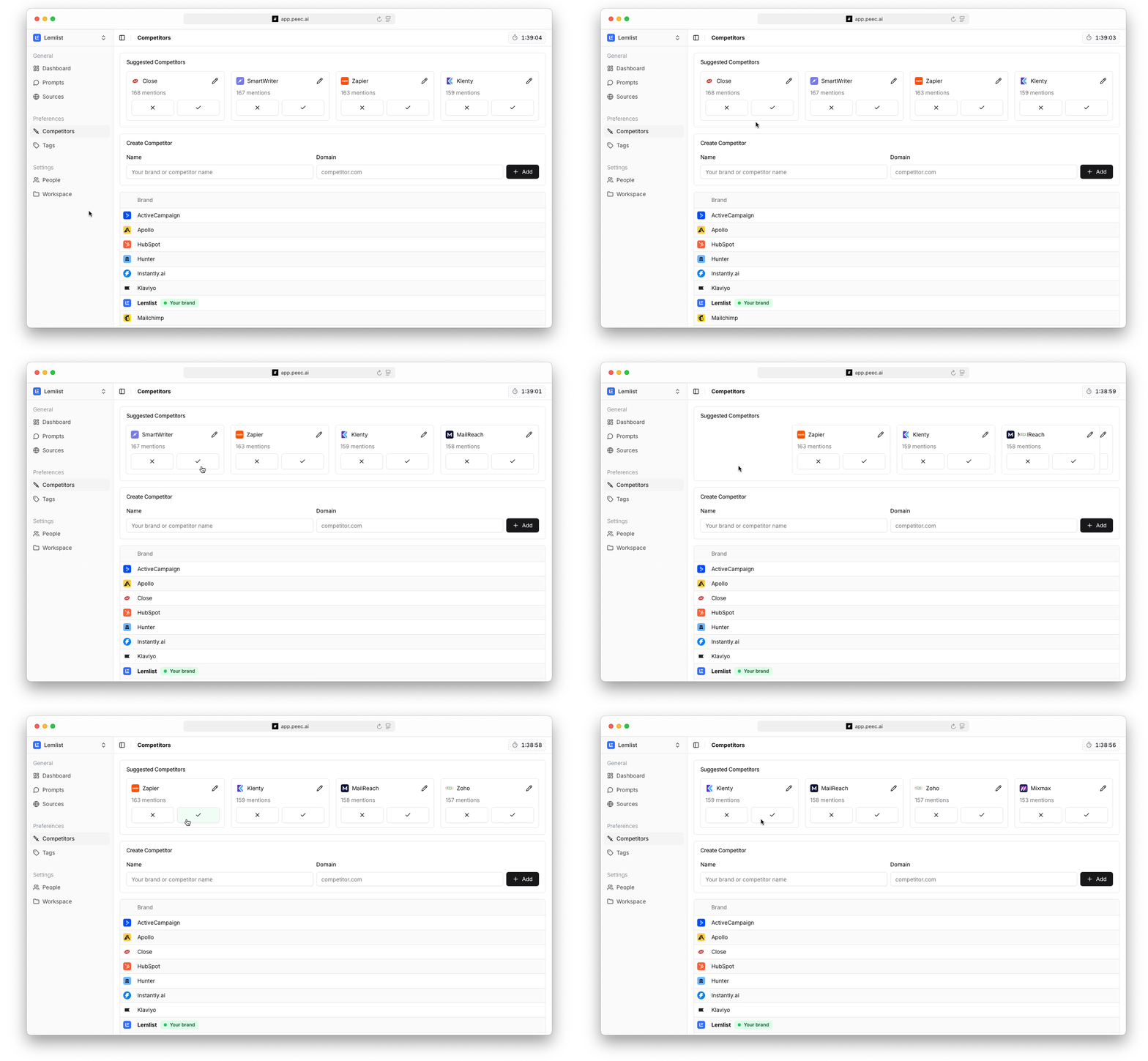
2. Add tracked brands manually
Navigate to the Brands page and use the Create Brand form:- Name: Enter the competitor’s brand name as it typically appears in AI responses.
- Domain: Add their main website domain (used to detect source citations).
- Click Add to save.