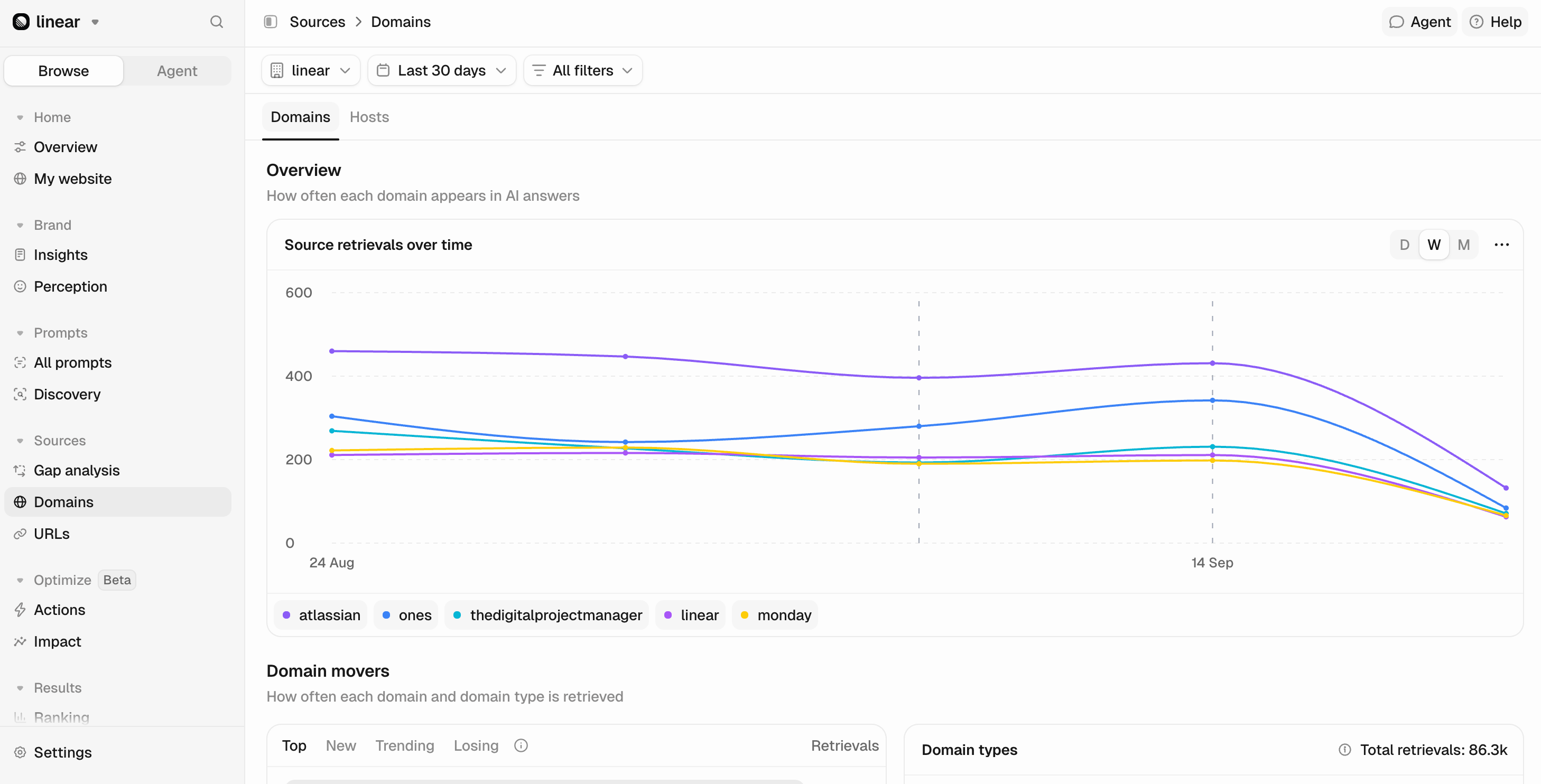
- Source retrievals over time: Shows how retrievals change over time for the top five domains. Hover over the graph to identify each domain and see how its retrievals change across your selected timeframe.
- Domain movers: Lists domains sorted by number of retrievals. You can switch between different views:
- Top: Domains with the highest number of retrievals in the selected timeframe.
- New: Domains retrieved for the first time in the selected timeframe.
- Trending: Domains showing the fastest growth in retrieval activity.
- Losing: Domains showing the largest decline in retrieval activity.
- Domain type: Shows all domains AI models used when generating answers to your prompts, grouped by type, such as Editorial, Corporate, UGC, Reference, Competitor, and Institutional.
Domain table
Detailed breakdown of domain visibility across AI responses:- Source: The domain name of the website.
- Domain type: Shows “You” for your domains, “Competitor” for tracked competitor domains, or automatic classification (Editorial, Corporate, UGC, Reference, Institutional, Other).
- Click on All Domain Types to narrow your analysis to any of the domain types. You can select just one or multiple.
- Retrieved: Percentage of chats where a domain appeared as a source.
- Retrieval rate: Average of how many times a domain’s URLs were retrieved per chat.
- Total citations: The total number of times this URL was cited across all responses in your selected filters and time period.
- Citation share: This domain’s share of all citations in the current view: its total citations divided by the total across every domain matching your filters, shown as a percentage.
- Citation rate: Average number of times the domain was explicitly cited when used in your selected time period.
- Gap Analysis toggle: Content gaps and opportunities based on the Gap Score column.
Gap Analysis: Higher scores highlight bigger opportunities. Sources that appear frequently and mention multiple competitors are often the strongest opportunities to focus on.Domain types
Changing domain classification
Peec AI automatically classifies every domain and URL it tracks using the categories above. However, these classifications may not always match how you categorize sources. For example, a domain Peec classifies as Editorial might be an important partner for your business. With custom classifications, you can apply your own labels to domains and URLs to organize them in a way that better reflects your needs. You can override a domain’s classification at any time:- Find the domain in the Domain table.
- Click its current classification, such as Reference or Editorial.
- Search for an existing classification, including any custom ones you’ve created, or create a new one directly from the picker.
- Your change is saved immediately and applied wherever that source appears in Peec.
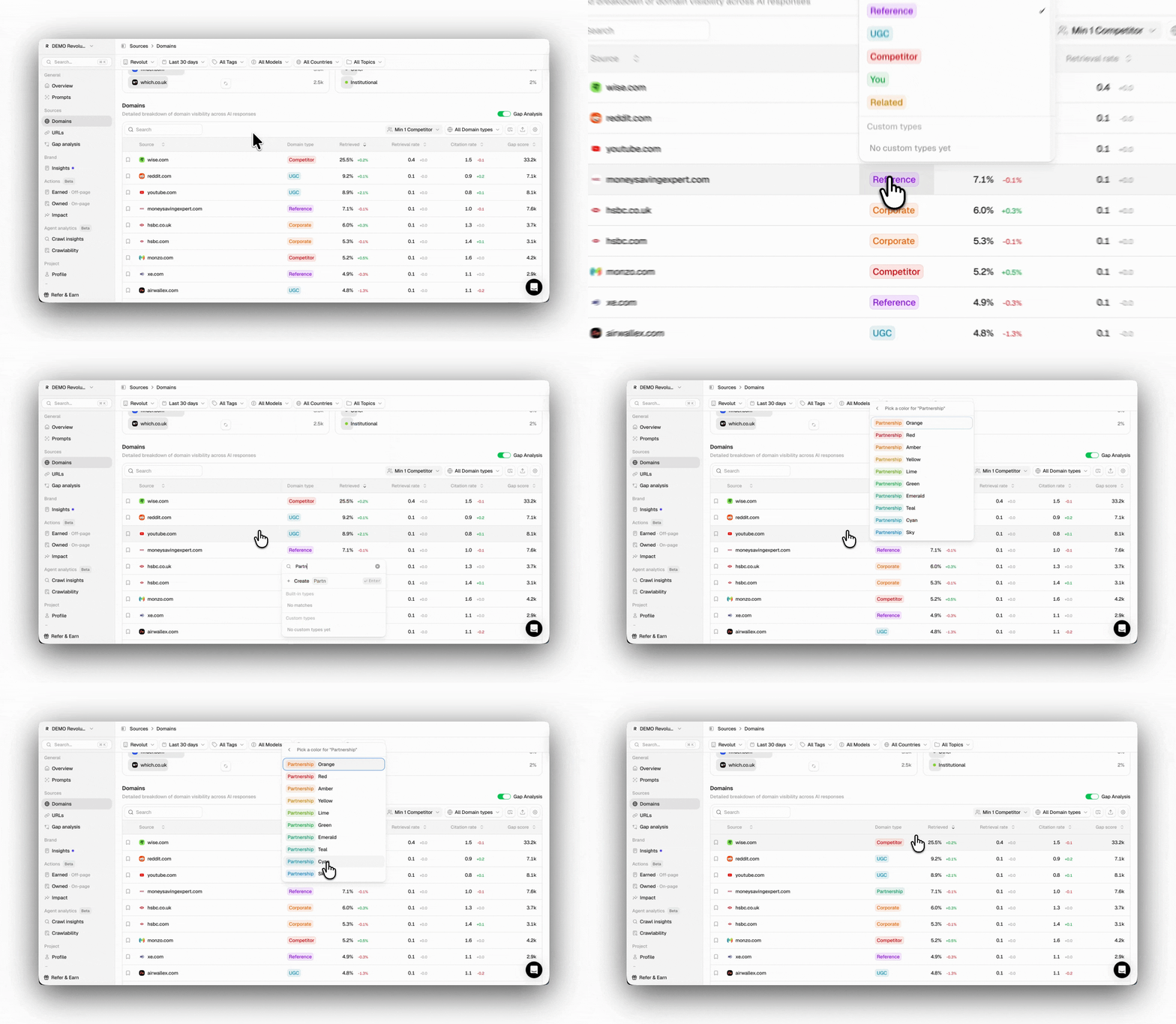
Manually overridden classifications are clearly marked, so you can easily distinguish them from Peec’s automatic classifications. You can also reset an override at any time to restore the original classification.
Domain metrics
In the domain table, you will see key metrics such as Retrieved, Retrieval Rate, Total Citations, Citation Share, and Citation Rate. They all give you an idea of how relevant a source is for LLMs, but differ in their influence.Retrieved
Retrieved measures the percentage of chats in which one or more URLs from a specific domain appeared in the AI’s answer as a source. This metric indicates whether your or your competitors’ content is being picked up by AI models, demonstrating your domain’s reach even when not explicitly cited. Retrieved is calculated over your selected time span as:Retrieved (Domains) = (Chats with at least one domain URL retrieved / Total chats) × 100
For example:
- If AI models used any URL from your domain as a source in 40 of 100 chats, then the retrieved percentage would be 40% (40 ÷ 100 × 100 = 40%).
Retrieval rate
The Retrieval rate measures the average number of URLs from a domain that AI retrieves per chat. A value above 1.0 means AI typically retrieves multiple pages from that domain in the same chat. This helps show how heavily AI relies on a domain, rather than simply whether it appears as a source. A brand with a high retrieval rate is deeply embedded in AI responses, not just occasionally present.A single chat can retrieve multiple URLs from the same domain.
Retrieval Rate = Number of unique URLs retrieved from a domain / total chats
For example:
- Across the same 100 chats, your domain URLs were retrieved 80 times as a source, yielding a retrieval rate of 0.8 (80/100).
Total citations
Total citations is the total number of times a domain’s URLs were cited across AI responses in the selected date range and filters. Unlike citation rate, which measures the average citations per response, total citations measures overall citation volume. Domains that appear across more chats will rank higher, even if they’re cited less often in each individual response. Total citations are calculated over your selected filters and time span as:Total citations (Domain) = Sum of all inline citations of that domain's URLs across responses in your filters
For example:
- If your domain is cited 60 times across all AI responses in the selected period, your Total citations is 60, regardless of how those citations are distributed across all chats.
Citation share
Citation share is the percentage of all citations that belong to a domain within the selected date range and filters. It compares a domain’s Total citations to the total citations across every matching domain, showing how much of the overall citation landscape it accounts for. This makes it easy to see which sources dominate AI citations for the prompts, models, and time period you’re analyzing. Citation share is calculated over your selected filters and time span as:Citation share (Domain) = (Total citations of that Domain / Total citations across all domains in the current view) × 100
For example:
- If your domain was cited 60 times, and all domains in the current view were cited 1,200 times together, your Citation share is 5% (60÷1,200 × 100 = 5%).
Citation rate
Citation rate is the average number of times a source is explicitly cited in AI responses. A higher rate means the source tends to be referenced multiple times when it appears, indicating that its content is particularly relevant to the topic. The citation rate is calculated over your selected timespan as:Citation Rate (Domain) = Total citations of that Domain / Total responses where Domain was used as a source
Here “total responses where the domain was used as a source” means the number of distinct responses that retrieved the domain (the retrieved_chat_count field). This is not the retrieval_count field: retrieval_count counts each distinct URL retrieved from the domain, and because a single response can pull several URLs from the same domain, it can exceed the number of responses. Dividing citations by retrieval_count instead yields the deprecated citation_avg (a per-retrieval average), not the citation rate.
For example:
- If your domain was used as a source in 40 AI responses, and from those responses, the content from your domain was cited a total of 60 times, a citation rate of 1.5 (60 / 40)
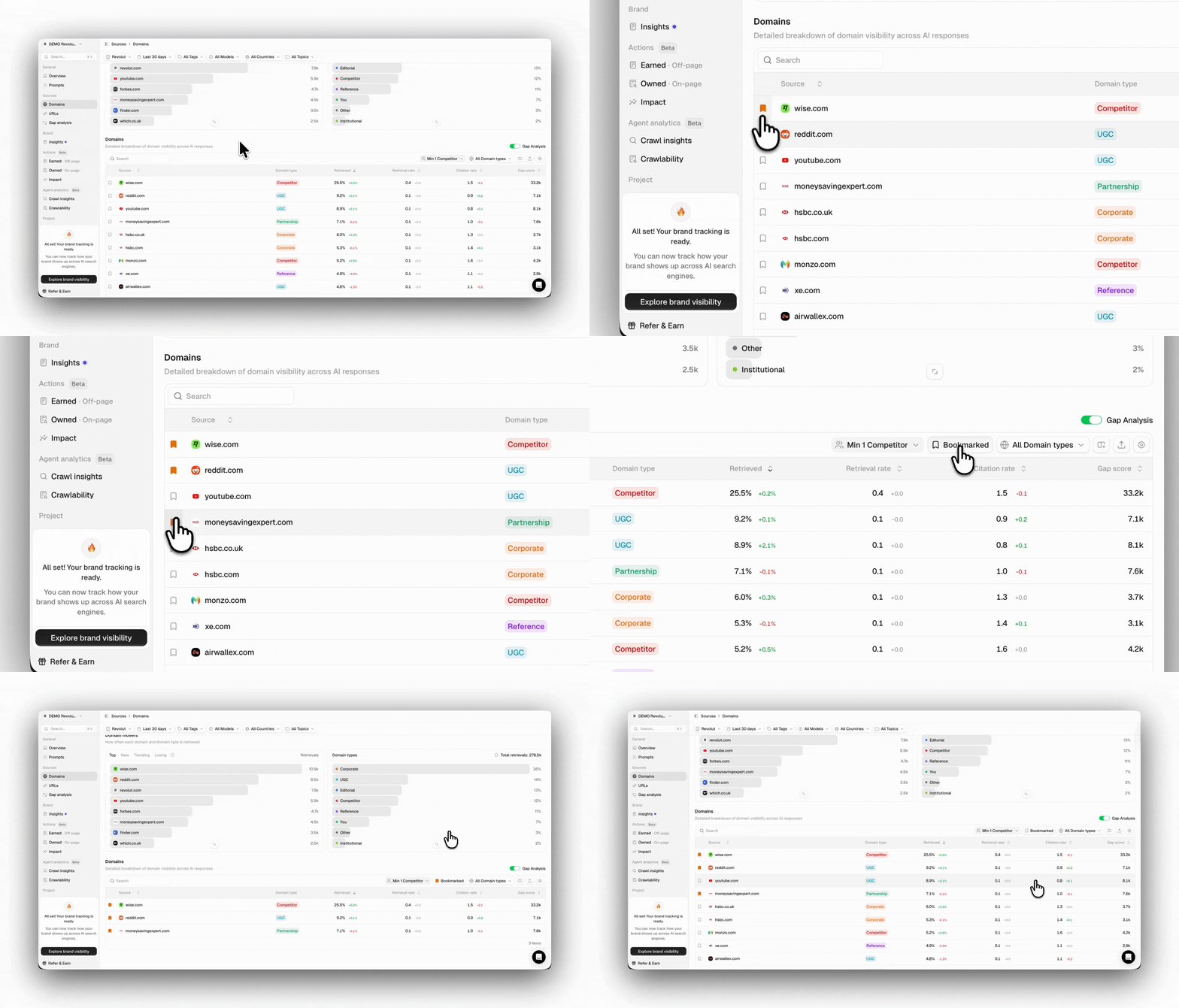
Bookmarked domains
Within Peec AI, you can bookmark domains to create a personalized watchlist of the sources you want to monitor closely. This could include key competitors, your own domains, target publications for outreach, or any other sites that matter to you. To bookmark a source, click the bookmark icon in the left column of any source row. The source will then appear under the Bookmarked tab for easy access.